
The Budgets Card is the primary configuration area for Empeon's Advanced Scheduling feature. It is used to define how staffing budgets are calculated in conjunction with when the work occurs (Shift), who is eligible to work (Schedule Role), what type of work is being performed (Schedule Assignment), and where the work applies (Floor/Unit or other Job Info field).
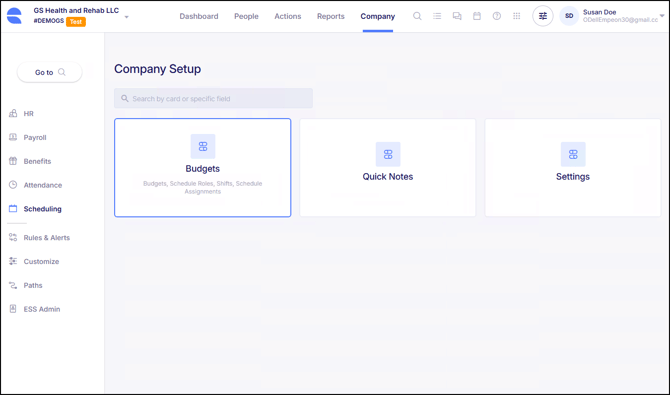
Within the Budgets Card, there are four sections, all of which contribute toward the configuration of how budgets are applied toward the schedule.
- Schedule Roles - Defines who is eligible to work based on position(s).
- Shifts - Define the timeframe when work occurs.
- Schedule Assignments - Define what type of work or task is being performed.
- Budgets - Defines staffing requirements (Budget) associated with who is eligibility to fill the budget, when the work takes place and if applicable, what type or work is being performed.
The Budgets Card provides a centralized view of all configured budgets, making it easier to review staffing requirements and maintain scheduling rules as operational needs evolve. For more details on the configuration options for each section, refer to the links provided in the bullet points above.