
What are Surveys?
Empeon’s Surveys feature allows organizations to create and distribute surveys for a variety of purposes directly within the system. Surveys are delivered to employees through their ESS Hub, where they can be completed securely and conveniently. Administrators can then review survey responses, analyze results, and generate reports to gain valuable insights from their workforce.
This feature is currently in BETA and is available by request only for clients enrolled in HR Premium.
Clients interested in enabling Surveys must submit the Survey Beta Registration Form to have the feature added to their site.
Clients interested in subscribing to HR Premium must submit a Module Subscription Form to enable all HR management features.
Once the Surveys feature has been turned on, the feature is located in the Engage section of the Actions tab.
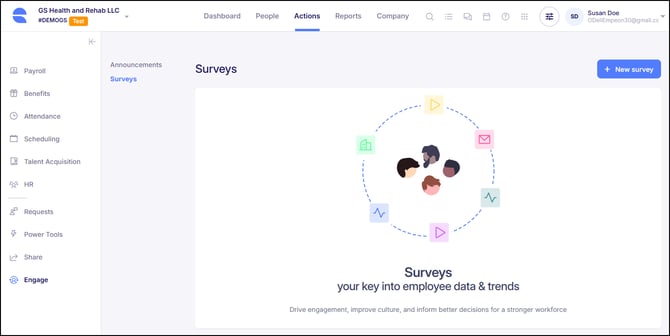
For insights on how to leverage Empeon's Surveys feature, please refer to the appropriate help center articles below:
- Creating Surveys - Learn more about the available options there are to create surveys and configure measurable survey questions that fit your needs for the survey.
- Sharing Surveys - Learn more about how to share Surveys with your workforce.
- Viewing Survey Results - Learn more about how to view and export completed survey results.